【2.インストール】
VSCode(Visual Studio Code)とPlatformIO IDEのインストール方法です。
Visual Studio Code
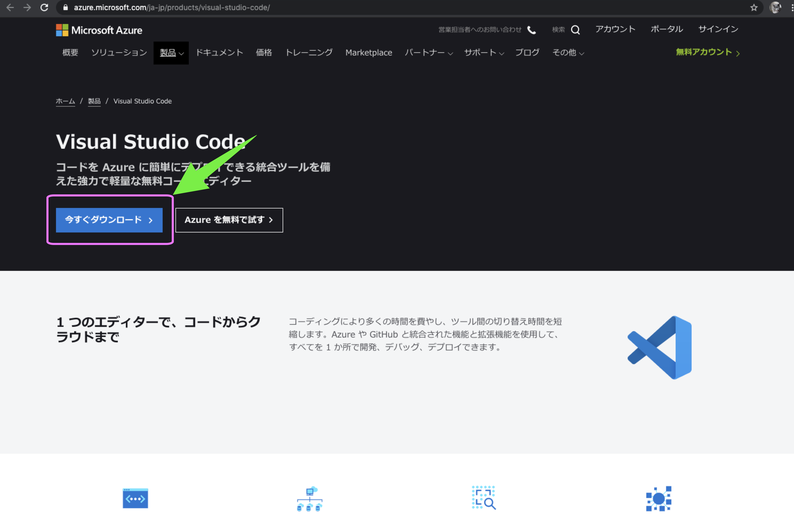
次のサイトからVisual Studio Codeをダウンロード
https://azure.microsoft.com/ja-jp/products/visual-studio-code/
アプリをダウンロード
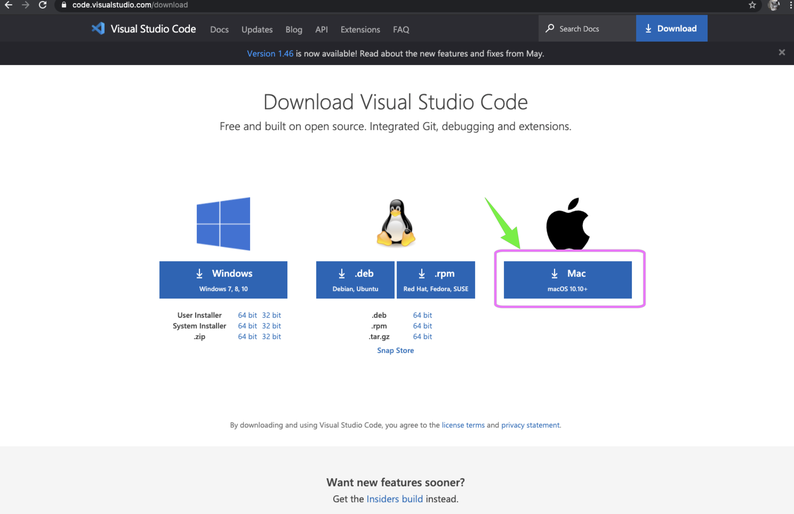
開発環境はMacOSなのでMacを選択
圧縮されているので解凍しアプリケーションフォルダに入れます。
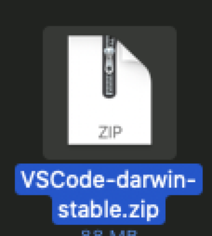
-> 解凍
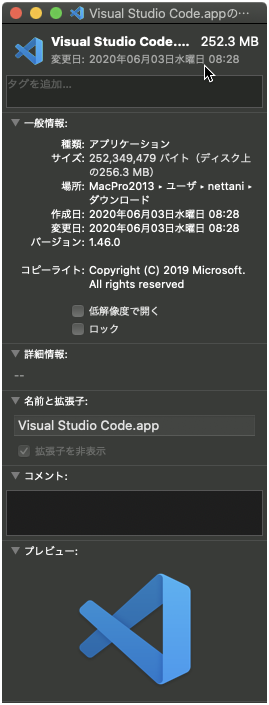
ちなみに記事を作成時のVersionは次の通りです。
1.46.0
2020年06月03日作成