# 【2.インストール】
VSCode(Visual Studio Code)とPlatformIO IDEのインストール方法です。
Visual Studio Code
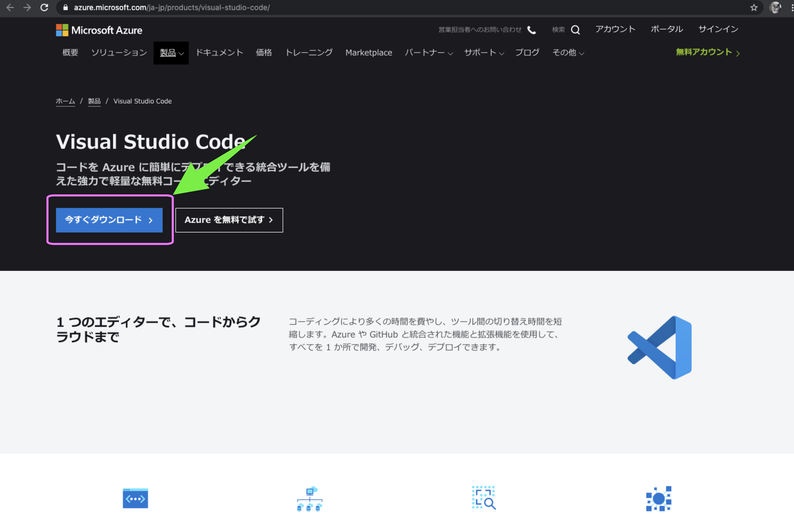
次のサイトからVisual Studio Codeをダウンロード
[https://azure.microsoft.com/ja-jp/products/visual-studio-code/](https://azure.microsoft.com/ja-jp/products/visual-studio-code/)
アプリをダウンロード
[](https://book.a10-objects.jp/uploads/images/gallery/2026-04/bceimage.png)
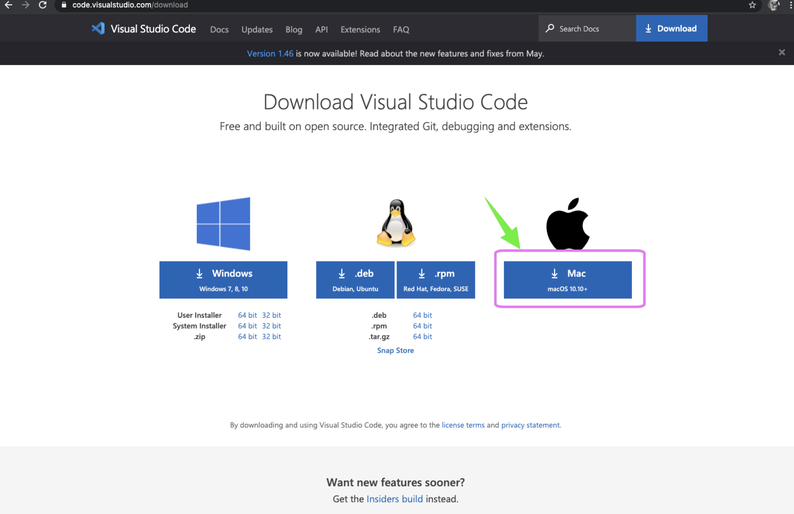
開発環境はMacOSなのでMacを選択
[](https://book.a10-objects.jp/uploads/images/gallery/2026-04/Tpcimage-1.png)
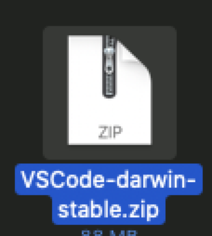
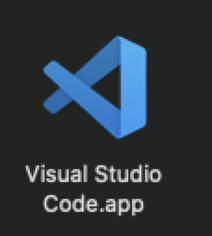
圧縮されているので解凍しアプリケーションフォルダに入れます。
[](https://book.a10-objects.jp/uploads/images/gallery/2026-04/lmBimage-2.png)
-> 解凍
[](https://book.a10-objects.jp/uploads/images/gallery/2026-04/bCiimage-3.png)
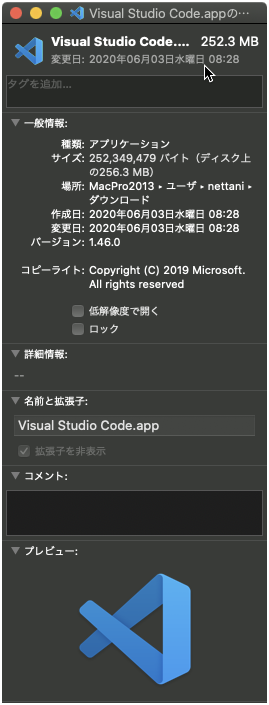
ちなみに記事を作成時のVersionは次の通りです。
1.46.0
2020年06月03日作成
[](https://book.a10-objects.jp/uploads/images/gallery/2026-04/1592111588.png)
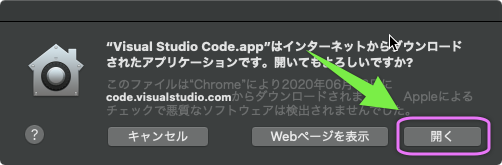
アプリをアプリケーションフォルダに入れてダブルクリックし起動。
[](https://book.a10-objects.jp/uploads/images/gallery/2026-04/1592111636.png)
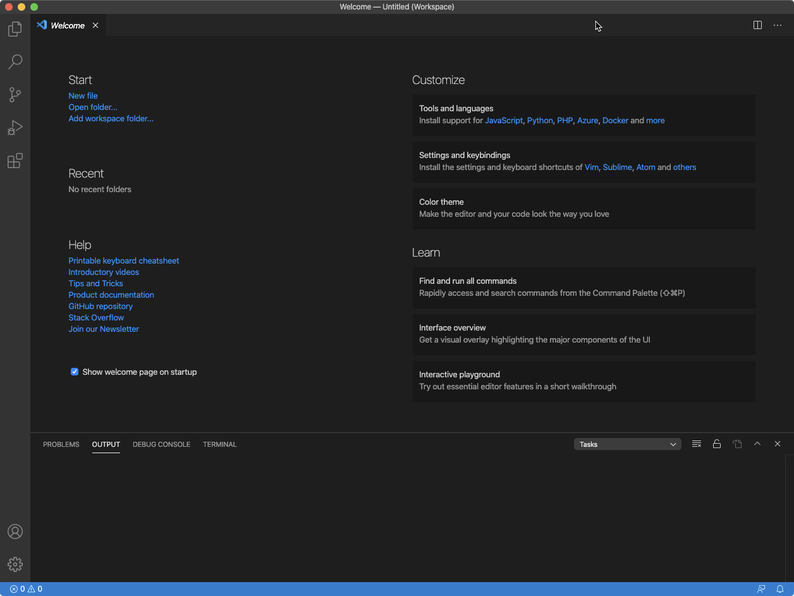
起動時の画面
[](https://book.a10-objects.jp/uploads/images/gallery/2026-04/Huximage-4.png)
PlatformIO IDE
次にArduinoの開発環境の為にPlatformIOをインスールします。
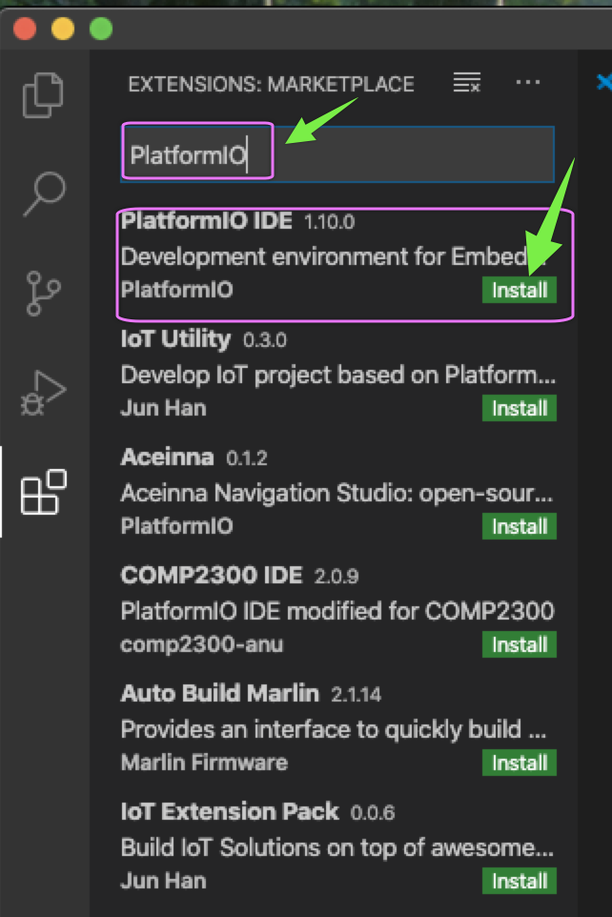
VSCodeの拡張機能なので左の拡張機能から探してインストールします。
[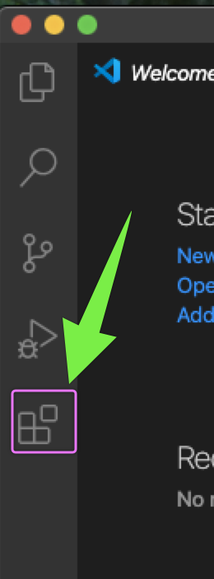](https://book.a10-objects.jp/uploads/images/gallery/2026-04/W5Limage-5.png)
「PlatformIO」を検索し「Install」します。
[](https://book.a10-objects.jp/uploads/images/gallery/2026-04/970image-6.png)
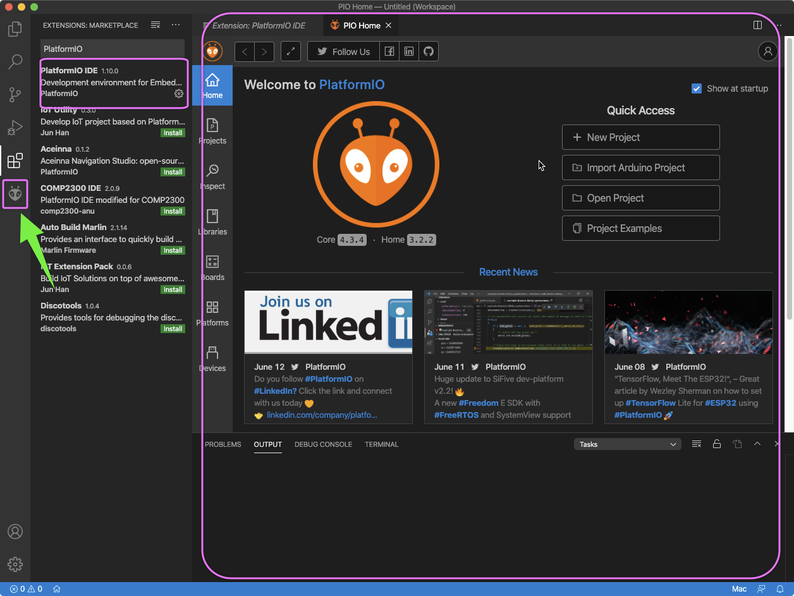
インスールが完了するとPIO Home画面が表示されます。
PIO (**P**latform**IO**)
また、左のサイドバー? にPIO Homeアイコンが追加されます。
[](https://book.a10-objects.jp/uploads/images/gallery/2026-04/78Bimage-7.png)
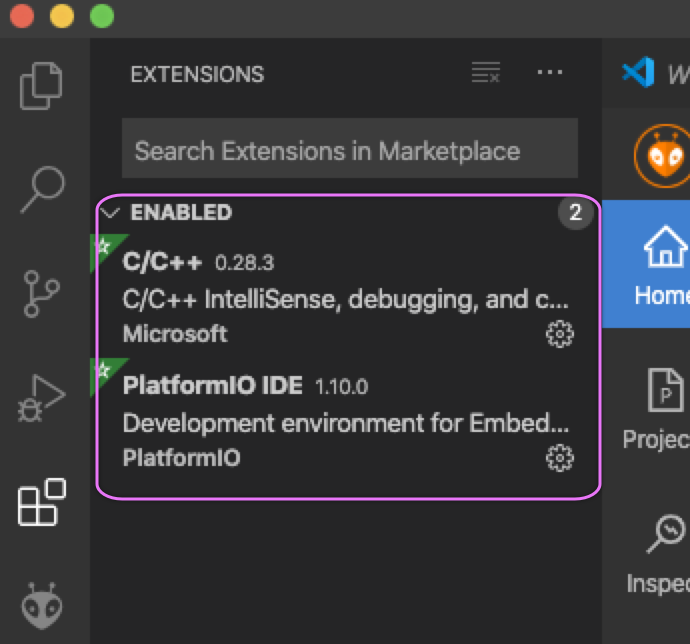
インストールが完了すると2つの拡張機能が表示されます。
「C/C++」と「PlatformIO」です。
PlatformIOはC/C++を必要する(依存関係)ので、自動的にインストールされます。
[](https://book.a10-objects.jp/uploads/images/gallery/2026-04/1592111844.png)
**【アプリを再起動します。】**